
What Happens When Nobody Maintains Your Website?
Website maintenance is easy to ignore when your site appears to be working. The homepage loads, the menu opens, and nothing looks obviously broken. But behind the scenes, missed updates, weak backups, broken forms, slow pages and security risks can quietly build into problems that affect enquiries, trust and sales.
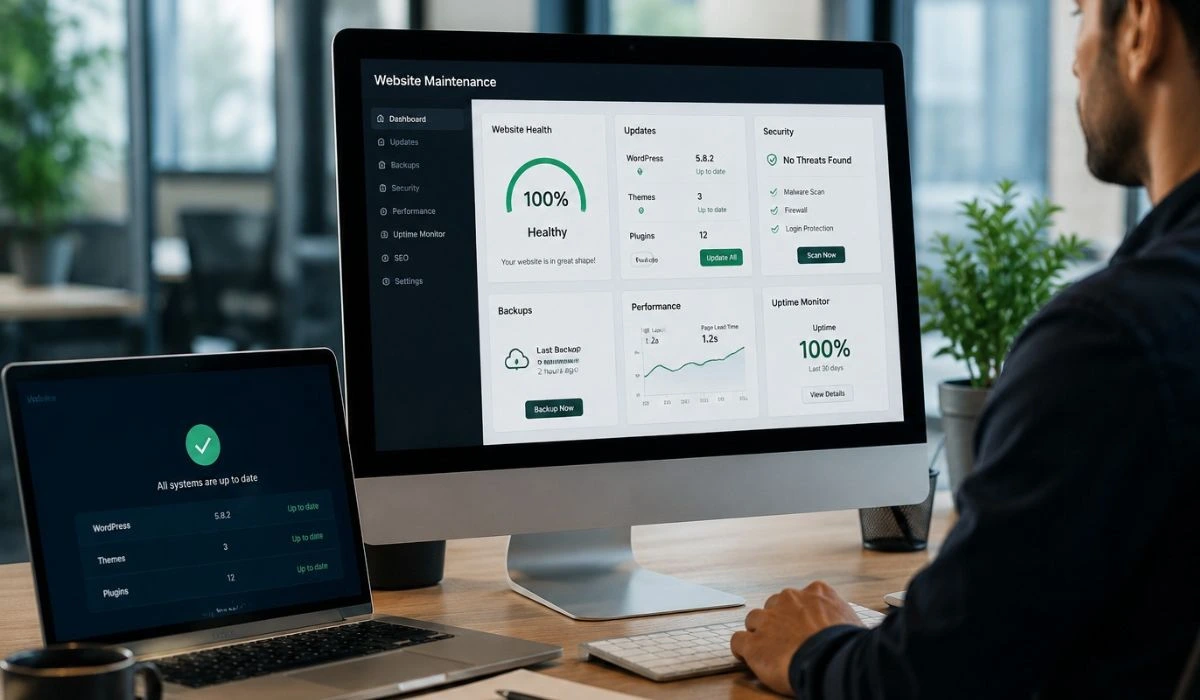
Your website is not just something you launch once and forget about. It is a live business asset that needs to stay secure, accurate, fast and reliable if it is going to keep supporting your business properly.
Many business owners only think about their website when they need a change made. A new service has to be added. A phone number changes. A new photo needs to go up. Apart from that, the site gets left alone because it seems to be doing its job.
The problem is that modern websites are not static brochures. They depend on software, plugins, hosting, forms, tracking tools, security settings, mobile responsiveness and search engines. These parts can change, expire, conflict or slow down over time. When nobody is checking them, the website can gradually become weaker even if it still looks normal from the outside.
Why website maintenance matters more than most businesses realise
A business website has a clear job. It should explain what you do, build trust, answer questions, guide people towards action and make it easy for customers to enquire. If the website is slow, outdated, broken or unsafe, it becomes harder for it to do that job well.
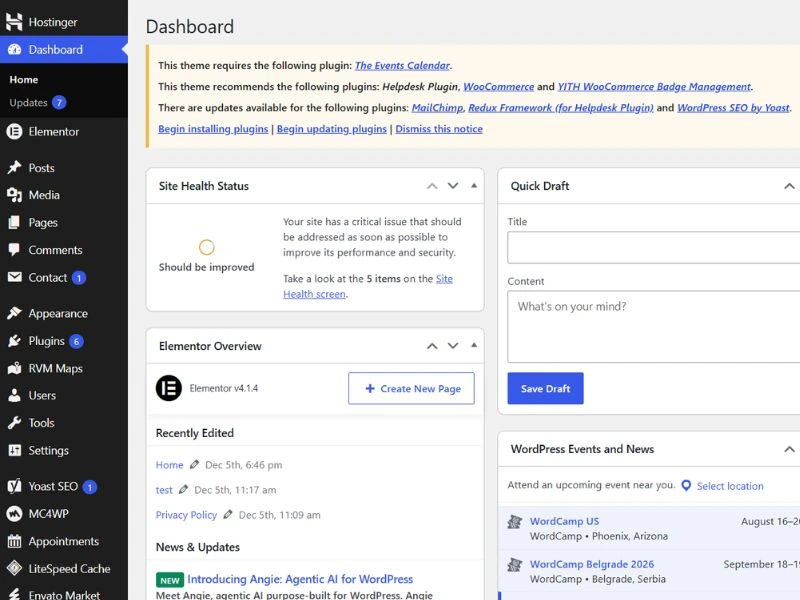
This is especially important for WordPress websites. WordPress is a strong and flexible platform, but it is built from moving parts. The WordPress core, theme, plugins and hosting environment all need to stay compatible. When updates are ignored for too long, small issues can turn into bigger problems very quickly.
A simple monthly routine can prevent many of those issues. It means the site is being checked regularly, updates are handled carefully, backups are reviewed, and important features are tested before problems reach your customers.
For businesses that rely on their website for enquiries, bookings, sales or credibility, this is not just a technical task. It is part of protecting the business online.
The goal is simple: keep your website healthy enough to support the business every day, not just look good on the day it was launched.
What happens without website maintenance?
Most neglected websites do not fail all at once. Problems usually build slowly. One missed update becomes several. A small speed issue becomes poor user experience. A form stops working. A backup is assumed to exist, but nobody checks whether it can actually be restored.
Website maintenance helps prevent security problems
Outdated plugins, old themes and weak login protection can make a site easier to attack. A hacked website can damage trust, create browser warnings, redirect visitors or leave you with urgent repair costs.
Forms can stop sending enquiries
A contact form can look perfect on the page but stop delivering emails. If nobody tests it, you may not realise that potential customers have tried to contact you and received no response.
Pages can become slower over time
Images, scripts, plugins and old code can build up. A slow website can make visitors impatient, increase drop-offs and make your business feel less professional than it really is.
Updates become harder to manage
When updates are left for months, they can become more risky. A simple plugin update may suddenly create conflicts, layout issues or broken features that could have been avoided with regular care.
Backups may not protect you
A backup only helps if it exists, is recent and can be restored. Many businesses assume their website is protected until the day something breaks and they need a clean version urgently.
Content can become outdated
Old services, wrong opening hours, outdated team details, expired promotions and broken links can make the business look inactive or careless, even when the business itself is doing well.
Website maintenance protects the customer journey
It is easy to think of website issues as technical problems. In reality, technical problems often become customer problems first.
If your page loads slowly, a visitor may leave before reading your offer. If your enquiry form breaks, you may lose a lead without knowing. If a button does not work on mobile, someone may assume the business is disorganised. If a page contains old information, a potential customer may question whether the business is still active.
Most visitors will not tell you when something feels wrong. They will not send a message saying the website was slow or confusing. They will simply go back to Google and choose another option.
That is why a maintained website matters. It protects the journey from first impression to enquiry. It helps make sure visitors can find the information they need, use the site comfortably and take the next step without unnecessary friction.
A website does not need to be changed every week, but it does need to be checked often enough that problems do not sit there quietly costing you opportunities.
What good website maintenance should include
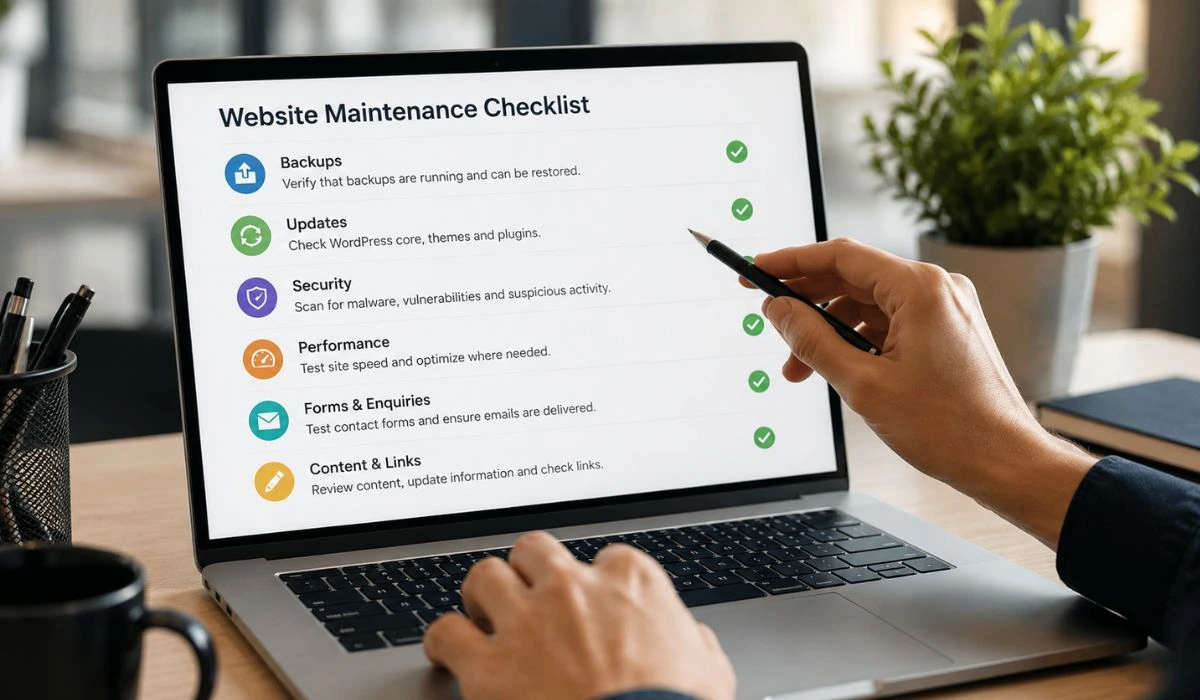
Good maintenance is not just logging in once a month and clicking update. That is only one part of the work. A proper process looks at the website as a whole: software, backups, security, speed, forms, links, content and the overall experience for users.
For a business owner, the benefit is peace of mind. You do not need to understand every plugin or technical warning. You simply need to know that someone is checking the website properly, dealing with small issues early and explaining anything that needs attention in plain English.
If your website uses WordPress, updates should also be handled carefully. The official WordPress documentation explains why updates matter and how they help keep the platform current. You can read the official update guide for more background.
Website maintenance and SEO are closely connected
SEO is not only about adding keywords or publishing new articles. Search performance also depends on whether the website is technically healthy, easy to use and reliable. A slow, broken or outdated website can make it harder to turn search visibility into real enquiries.
Search engines want to send users to pages that load properly, work on mobile and provide a good experience. If important pages are slow, broken, outdated or difficult to use, visitors are less likely to stay and take action.
Regular care helps protect the technical foundation your SEO depends on. It keeps the site cleaner, faster and easier to improve. It also makes it easier to update service pages, improve content and keep your website aligned with your business goals.
This is why it connects naturally with technical SEO work, stronger site structure and long-term digital growth. A healthy website is much easier to optimise than one that has been ignored for years.
A simple website maintenance process
The process does not need to feel complicated. In plain terms, your website should be reviewed regularly, protected properly, updated carefully and improved when something needs attention.
Review
Check the site for errors, updates, speed issues, broken links, form problems and visible layout issues.
Protect
Make sure backups, security checks, login protection and monitoring are in place before problems become serious.
Update
Manage WordPress, plugin and theme updates carefully, then test the website afterwards.
Improve
Keep the site useful by improving weak points, updating content and making small changes that support enquiries.
Signs your website needs attention
You do not always need a deep technical audit to spot the warning signs. If nobody has logged into your website for months, that is already a concern. If plugin updates are piling up, forms have not been tested, or you are unsure whether backups are working, the site has probably been left too long.
Another sign is when small changes become stressful. Updating a paragraph, changing an image or adding a new section should not feel risky. If every small update feels like it might break the layout, the website may need a proper cleanup or better ongoing management.
Sometimes the answer is a practical care plan. Other times, the structure, design or platform is too outdated and a redesign service becomes the better long-term option. The important thing is to review the website honestly before small problems become bigger ones.
It is almost always easier to prevent website problems than to repair them during an emergency.
Website maintenance FAQs
What is website maintenance?
Website maintenance is the ongoing process of keeping a website secure, updated, backed up, fast and working correctly. It can include software updates, backup checks, security monitoring, form testing, performance reviews and content support.
Why is website maintenance important?
It helps prevent avoidable problems. Regular checks reduce the risk of broken forms, security issues, outdated content, slow pages and emergency fixes that could have been avoided.
How often should a business website be checked?
Most business websites should be checked at least monthly. Websites with ecommerce, booking systems, frequent changes or important enquiry forms may need more regular attention.
What happens if WordPress is not updated?
If WordPress, themes or plugins are not updated, the website may become more vulnerable to security problems and compatibility issues. Updates should be handled carefully and tested afterwards.
Does website maintenance help SEO?
Yes. It can support SEO by keeping the site fast, secure, accessible and free from avoidable issues such as broken links, missing pages, outdated content or poor mobile experience.
Do small websites need regular care?
Yes. Even a small website can have plugin updates, broken forms, backup issues, outdated information or security risks. Smaller websites may be easier to look after, but they should not be ignored.
Not sure if your website is being looked after properly?
We can review your website, explain what needs attention and help you put a simple plan in place.